







Efficient Android Mobile Device Management Solution With ULocker App

Features

ULocker Control Feature Image Small Icon Small Icon Small Icon Small Icon Small Icon Small Icon Small Icon Small Icon Small Icon Small Icon Small Icon Small Icon Small Icon Small Icon Small Icon Small Icon

Security Compliance

Remotely configure or remove device passwords, enforce strict password policies, and enable internet filtering with integrated malware protection to strengthen security.

Location Tracking

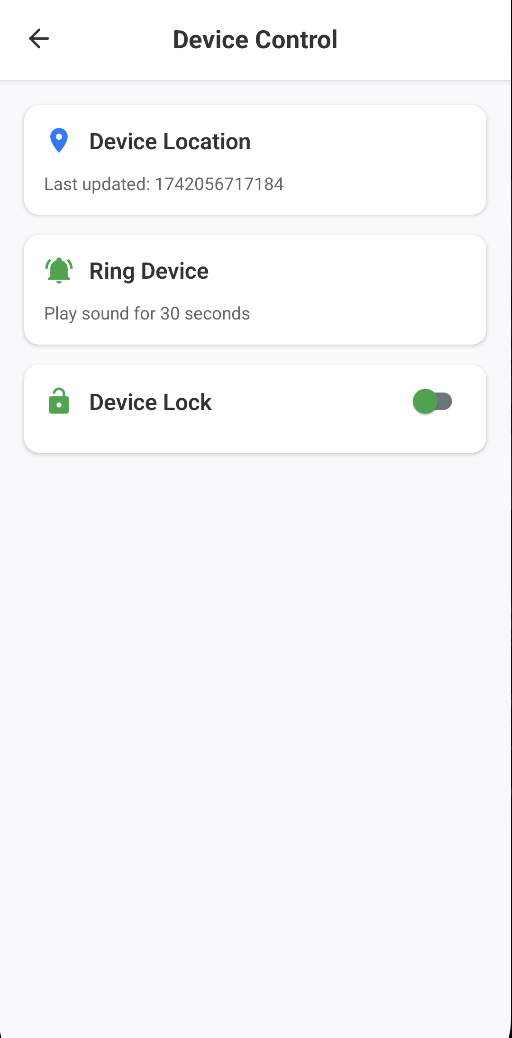
Monitor and track the real-time and historical locations of company mobile devices on an interactive map, providing comprehensive visibility.

Wallpaper Management

Changing your wallpaper is quick and easy, allowing you to personalize your device with just a few clicks to align with your organization's branding and style.

Kiosk Mode

Apply single and multi-app lockdowns, automate app launches, enforce custom branding, and implement settings restrictions to enhance security and improve the user experience.

Application Management

Uninstall Android applications, deploy private APKs, enforce policy-based authorization, and efficiently manage updates, permissions, and configurations for streamlined device management.

WPCO

Effective management of company-owned devices designated for personal use, ensuring robust security, compliance with organizational policies, and seamless alignment with company standards.

Video Demo

2.5 M
Users
3.6 M
Downloads
1.5 K
Reviews
100
Clients

Why Choose Us

Seamless Security

Experience top-notch security features that allow you to remotely manage device access, enforce policies, and safeguard your data effortlessly.

Intuitive User Interface

Navigate effortlessly through a clean and user-friendly interface designed to enhance your experience and streamline operations.

Feature-Rich Functionality

From real-time location tracking to comprehensive application management, our solution offers all the tools you need for efficient device management.
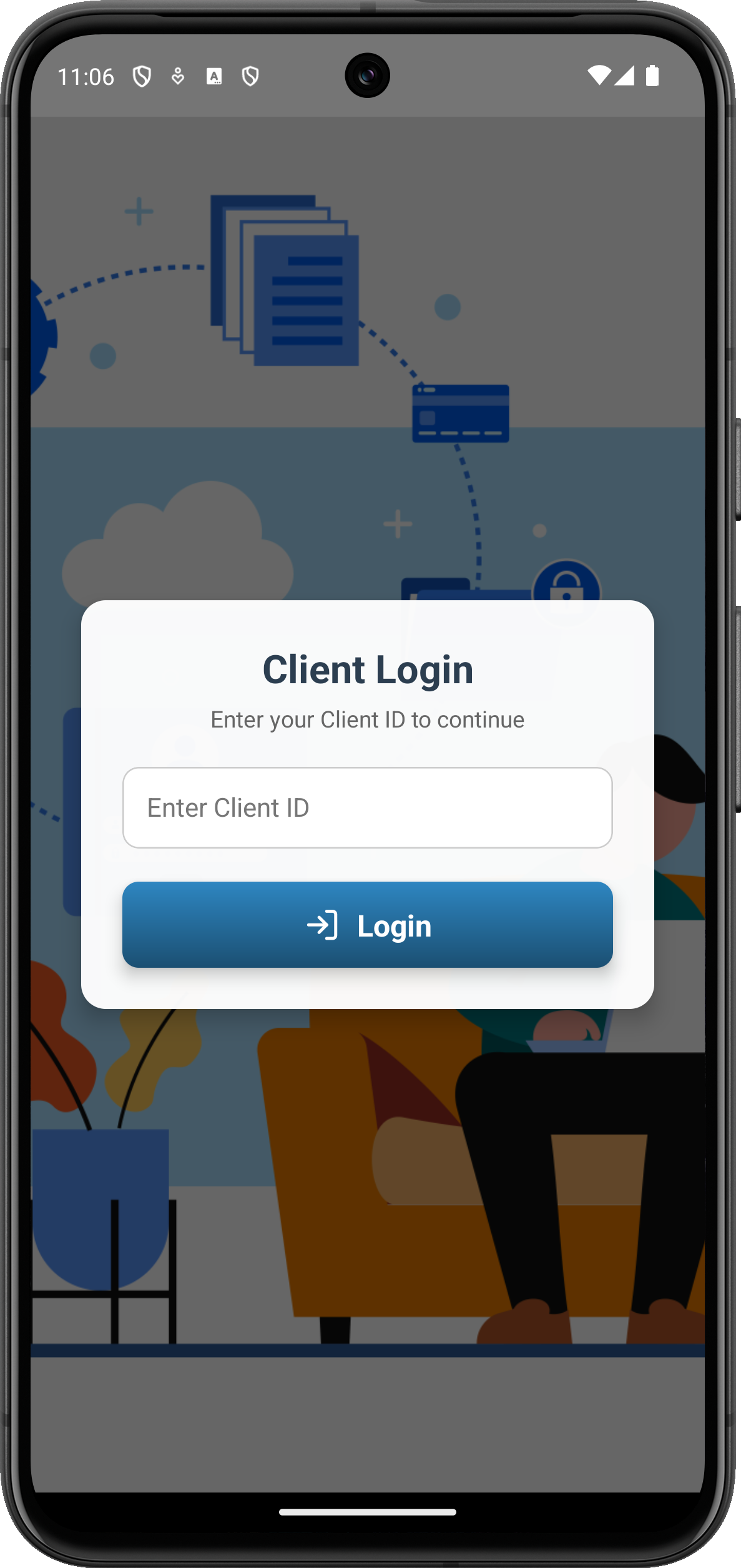
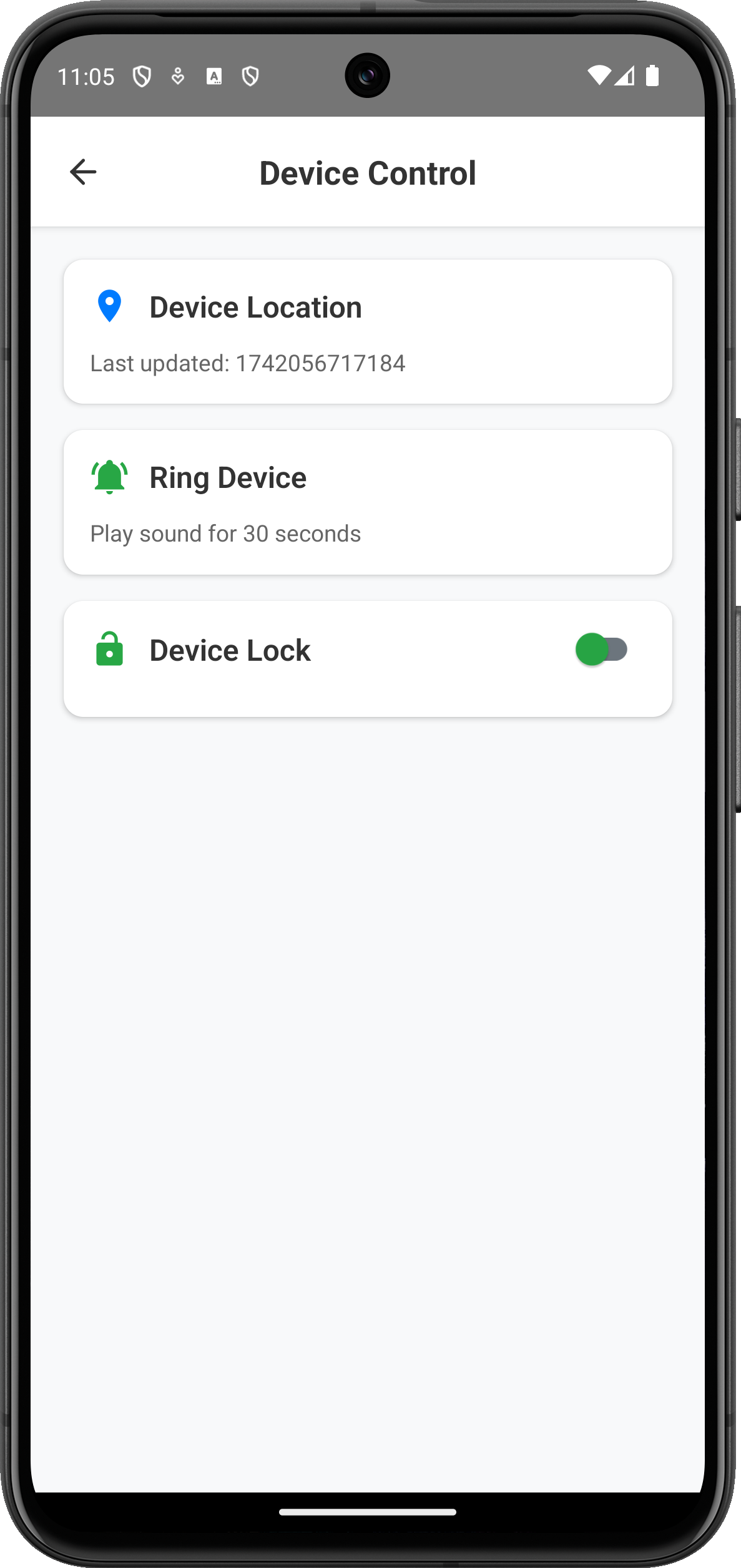
ULocker Control Why Choose Image Screenshot ULocker Control Why Choose Image Screenshot

App screen

TEstimonials

The seamless performance and precise tracking provided by ULocker have greatly enhanced our MDM capabilities, streamlining device management processes and improving overall efficiency. It has truly transformed our operations, making a significant impact on our daily workflow.

ms. sharma - Mobile Shop Owner

With ULocker, I can effortlessly manage all aspects of my business's device security from anywhere. Its user-friendly interface and advanced features make it an essential tool, ensuring smooth, secure, and efficient operations at all times.

Rajesh Kumar - Mobile Shop Owner

The seamless performance and precise tracking provided by Tiger have greatly enhanced our MDM capabilities, streamlining device management processes and improving overall efficiency. It has truly transformed our operations, making a significant impact on our daily workflow.

Mostakim Molla - Mobile Retailer

ULocker Control Commentor Thumb

team

ULocker Control Team Member Image

jhON CENA

Devoloper, ULocker Control
ULocker Control Team Member Image

Randy orton

Ui Designer, ULocker Control
ULocker Control Team Member Image

mark henry

Ux Designer, ULocker Control
ULocker Control Team Member Image

Katy Perry

Marketer, ULocker Control

Currently Available

ULocker is currently only available inside our in-house website, so if you need to download, just click below.

Subscribe to our newsletter for fast updates & news

ULocker Control Simple 3 Bars

FAQ

ULocker is a cutting-edge safety application designed to enhance personal security by providing emergency notification services. It is free, serverless, and ensures user privacy by storing all sensitive information locally.
ULocker integrates seamlessly with your Android device’s Quick Tile for instant access. With built-in features like emergency SMS alerts, location sharing, and password-protected confirmation, it ensures a safer journey without the need for internet connectivity.
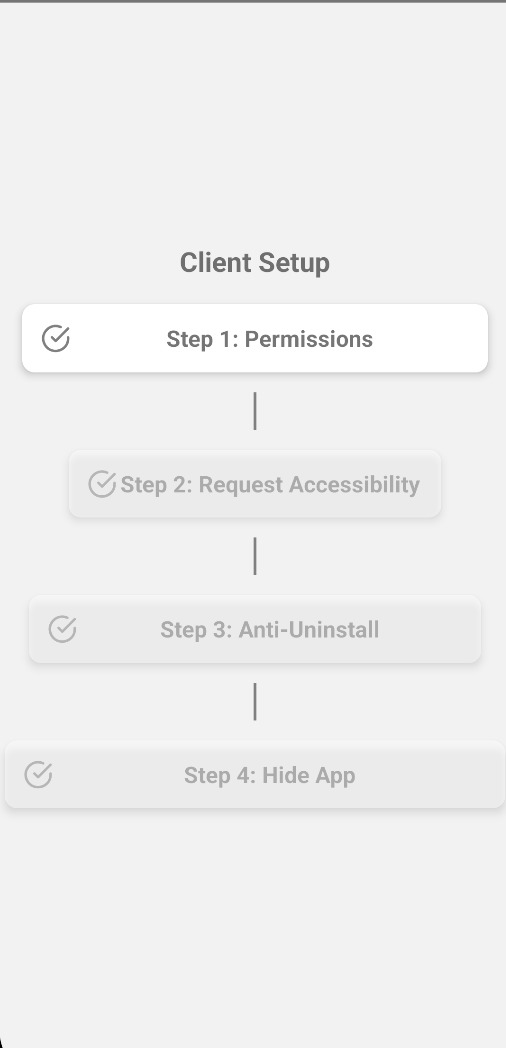
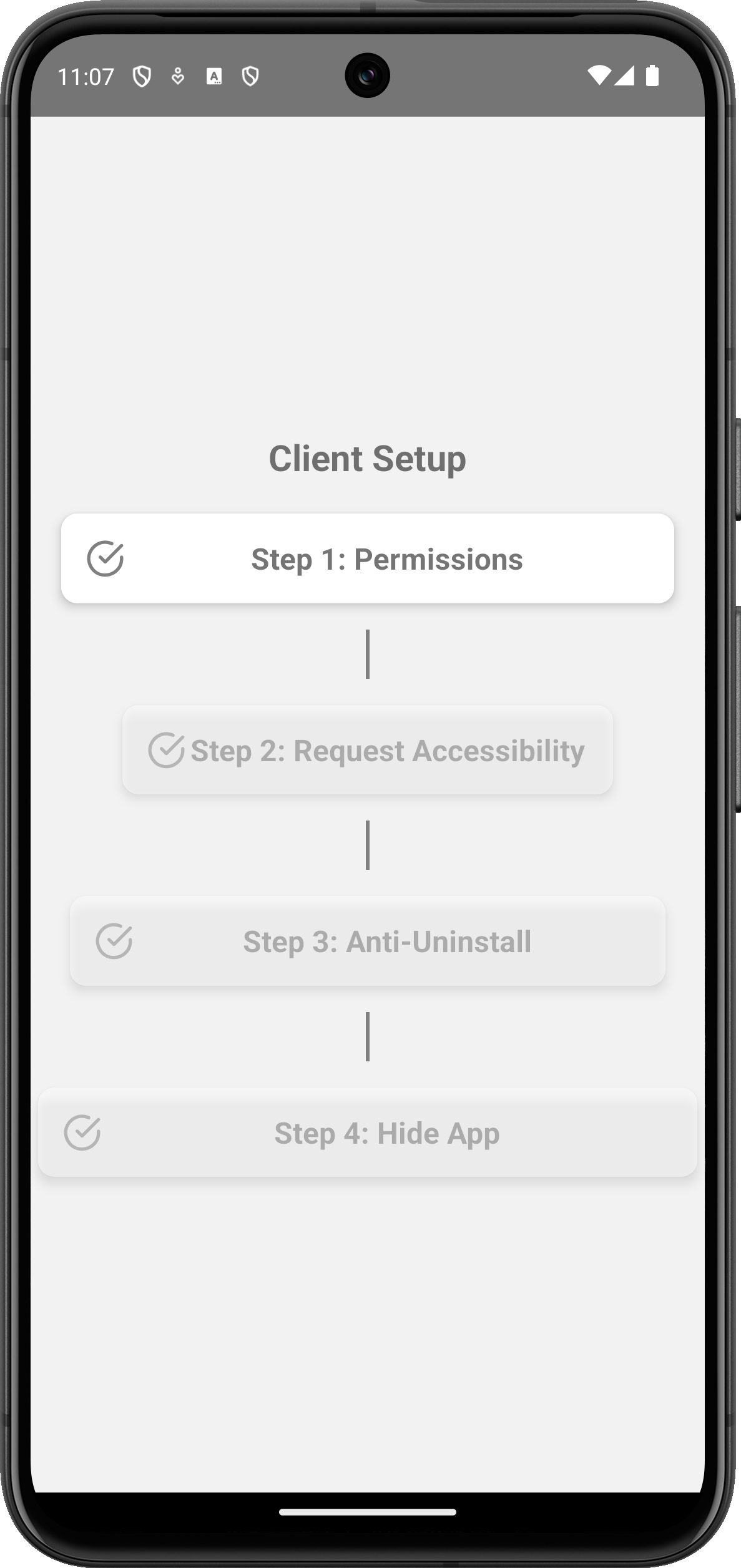
Setting up ULocker is simple. Install the app, grant the necessary permissions (location, SMS), and configure your secret password and emergency contact. The app will handle the rest in case of emergencies.
ULocker does not collect or store any user data on external servers. All personal information, including emergency contact numbers, is stored locally on your device, providing complete privacy and safety.

Any Other question? You can Contact Us.